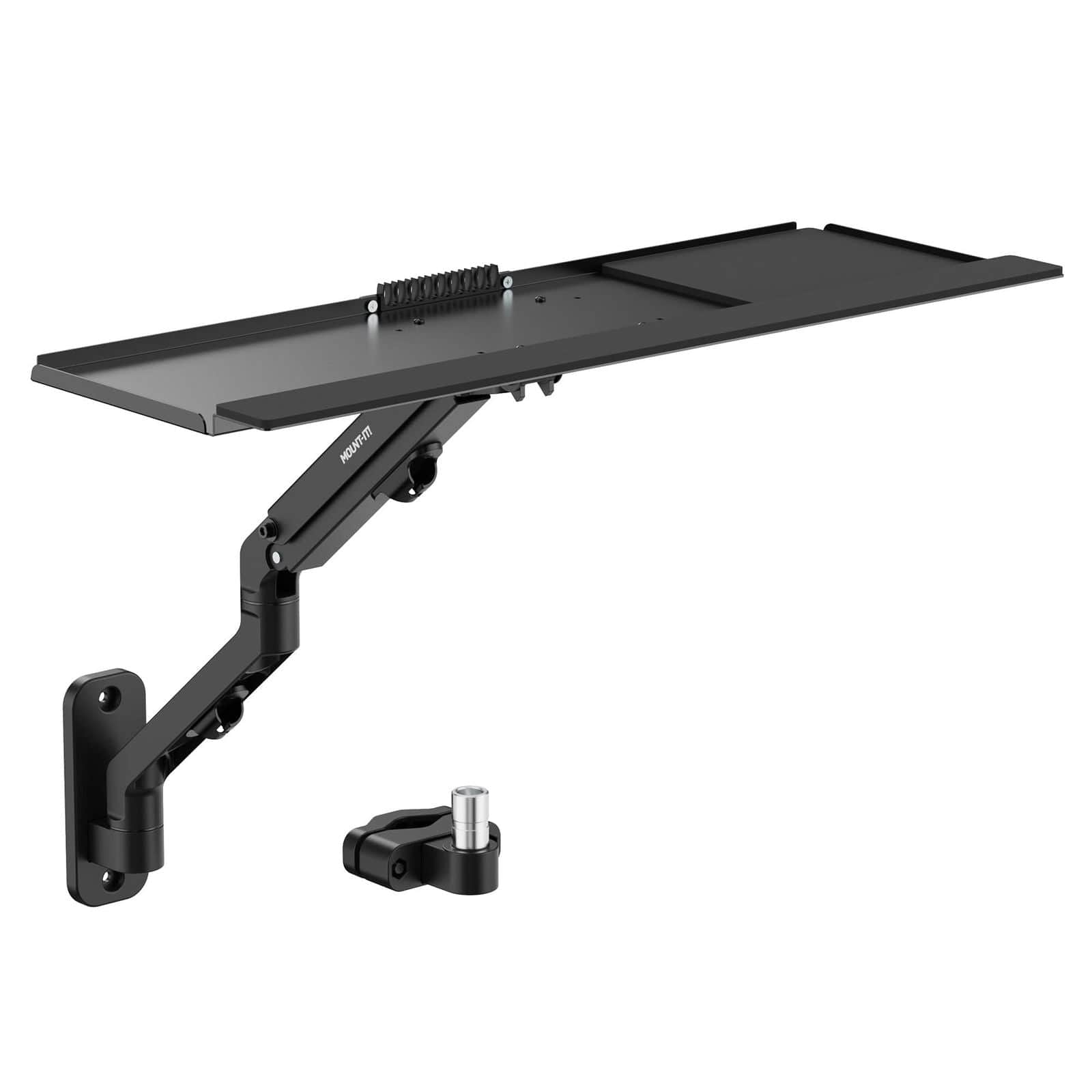
Counterbalance Keyboard Tray Arm for Wall and Pole Mounting
$69.99
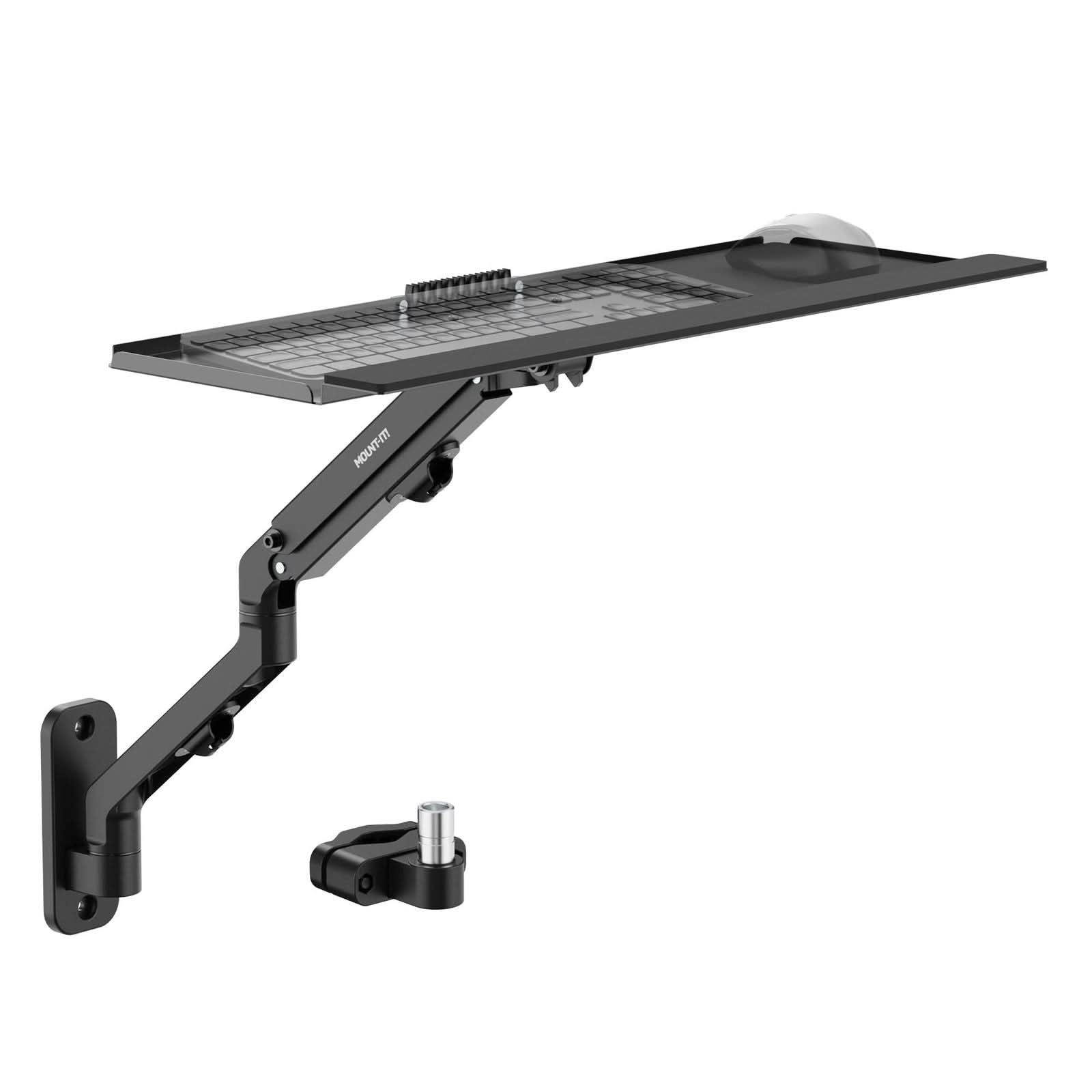
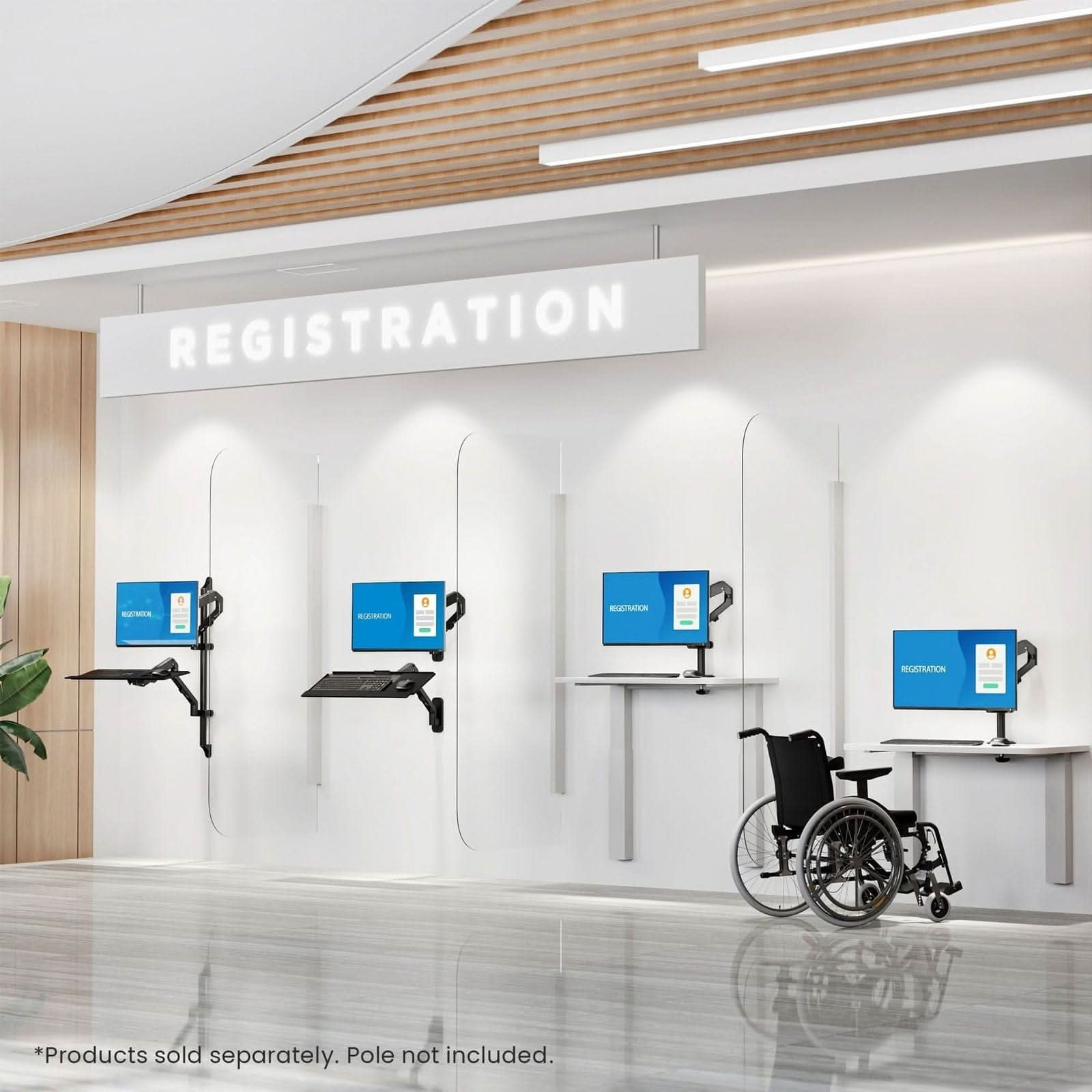
- Create a floating workstation with this wall or pole mounted keyboard tray.
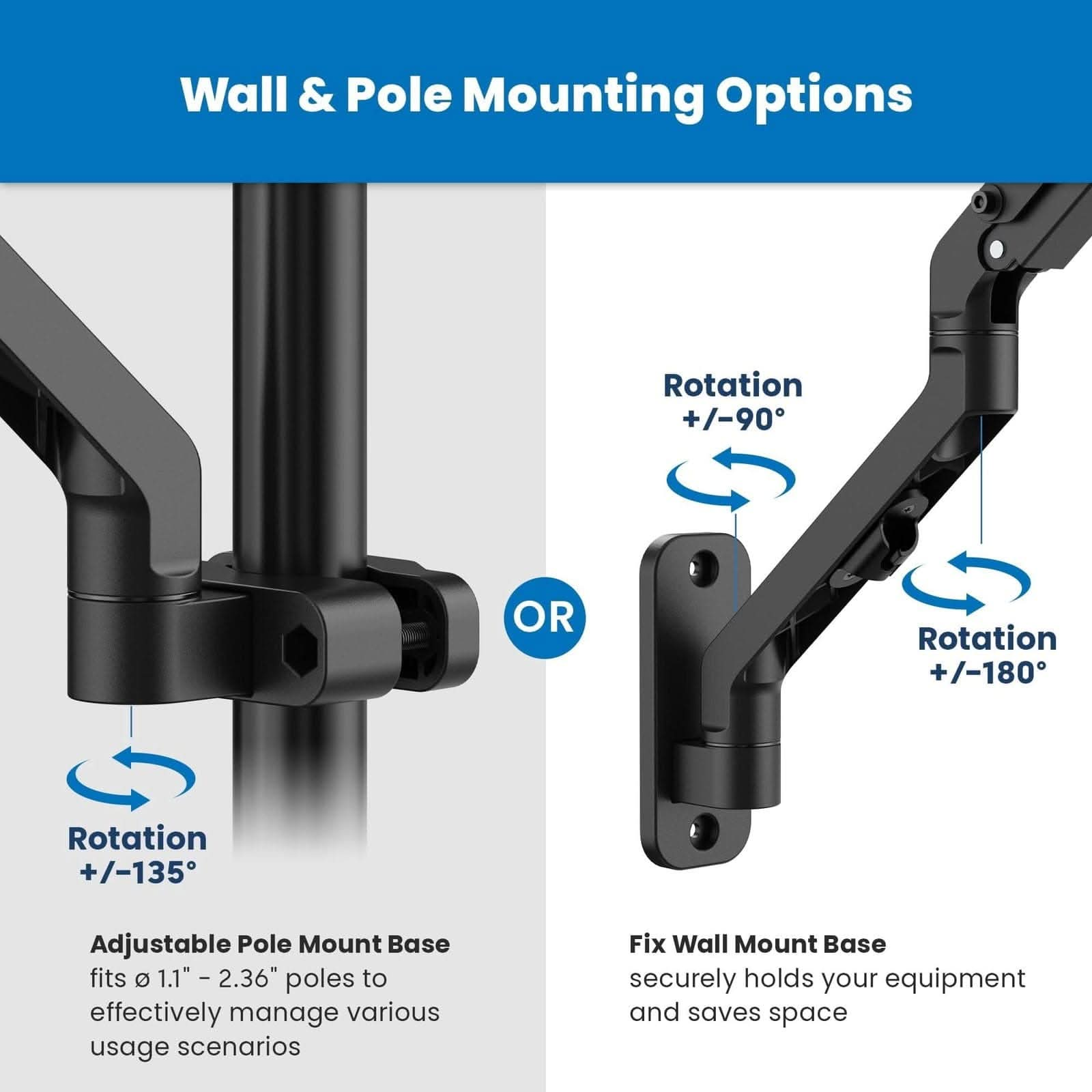
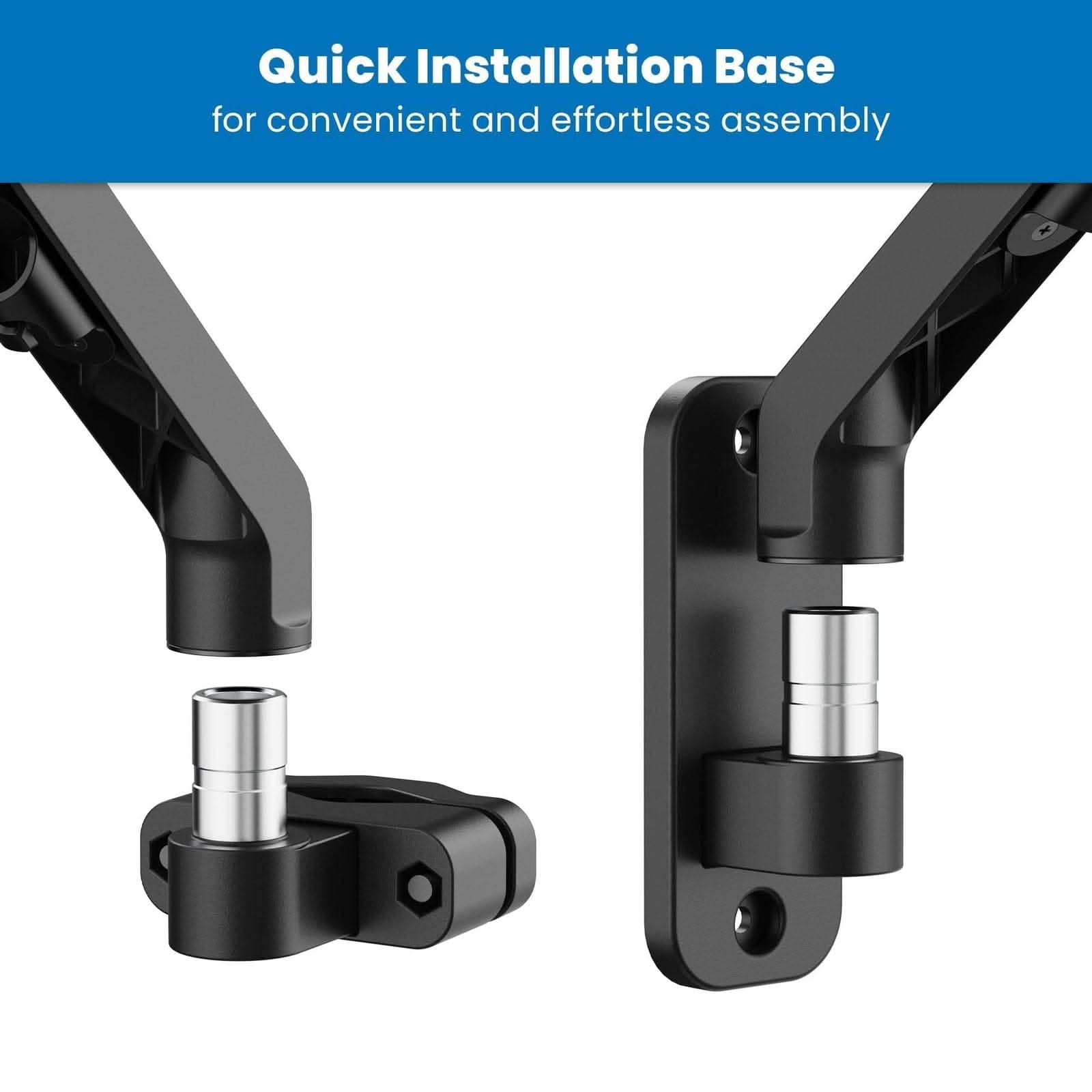
- Choose between pole or wall mounting to suit your workspace setup - both installation options are included.
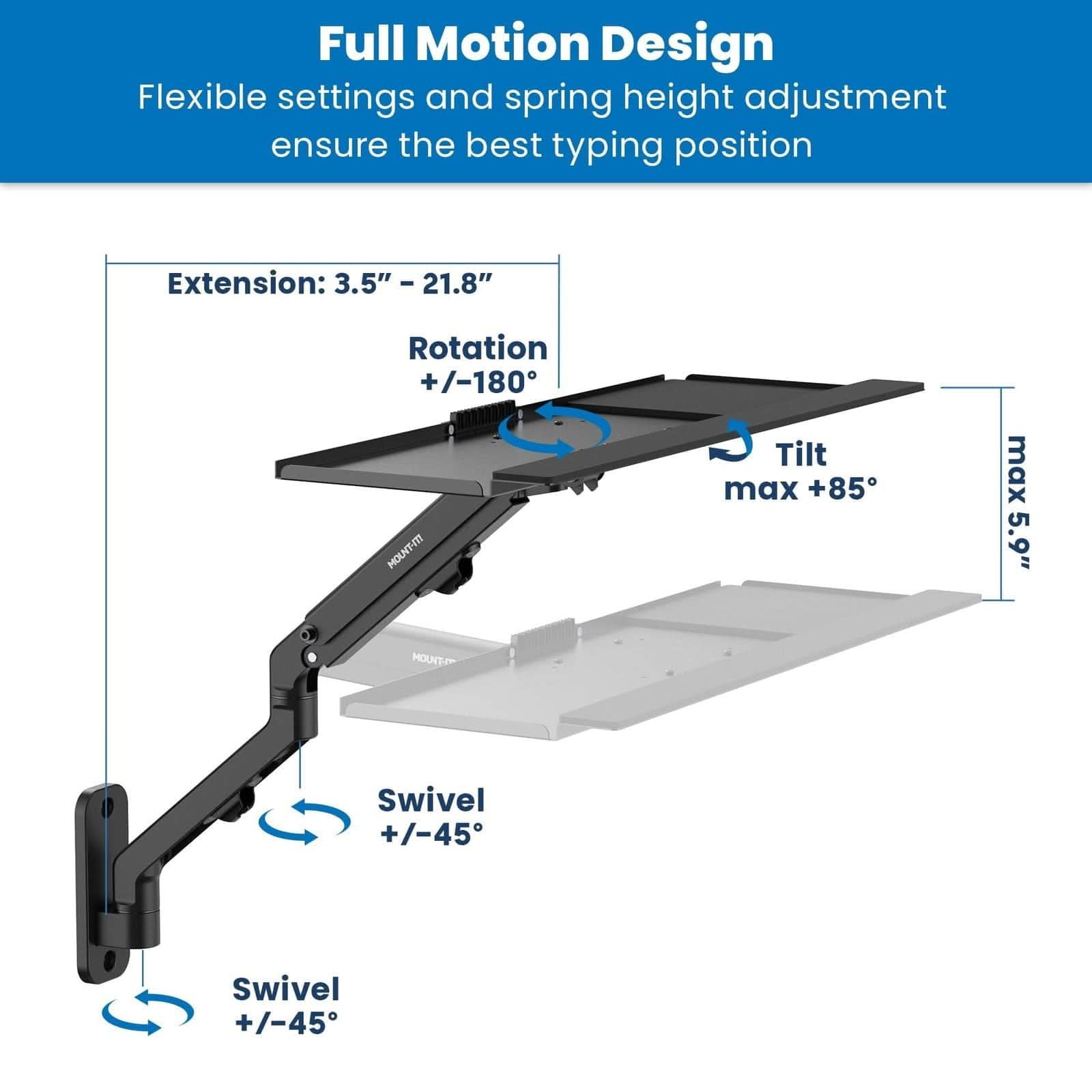
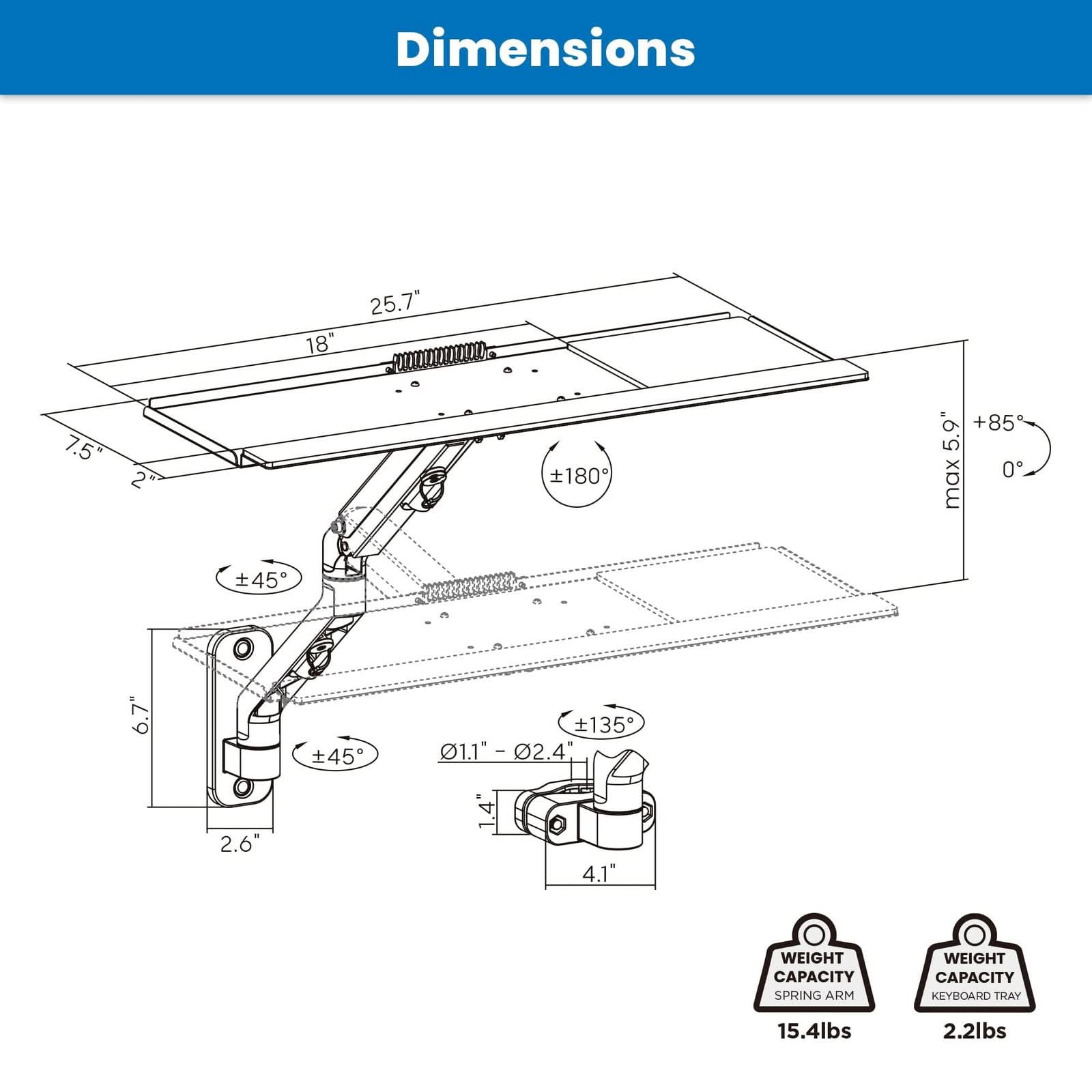
- Adjust your keyboard to your preferred typing position with a 90° swivel, 21.8" max. extension and up to 85° tilt.
- Weight: 5602 g.
THE PRODUCT IN DETAIL
Product Description
Product Overview
Consider Counterbalance Keyboard Tray Arm for Wall and Pole Mounting for positioning or mounting equipment at a workspace.
Key Features
- Create a floating workstation with this wall or pole mounted keyboard tray.
- Choose between pole or wall mounting to suit your workspace setup – both installation options are included.
- Adjust your keyboard to your preferred typing position with a 90° swivel, 21.8" max. extension and up to 85° tilt.
- Weight: 5602 g.
Benefits & Ideal For
Compare the mounting pattern, equipment size and stated load before selecting a mount.
Product Specifications
- Brand
- Mount-It!
- Weight
- 5602 g
How to Use
Check desk or wall clearance and follow the mounting instructions with compatible hardware.
Care & Maintenance
Inspect mounting points periodically and wipe surfaces with a soft cloth.
Product FAQ
What should I check before choosing this model?
Compare the mounting pattern, equipment size and stated load before selecting a mount.
Where does this item fit into my routine?
Positioning or mounting equipment at a workspace.
Which details are listed for this item?
Weight: 5602 g.
Additional Product Details
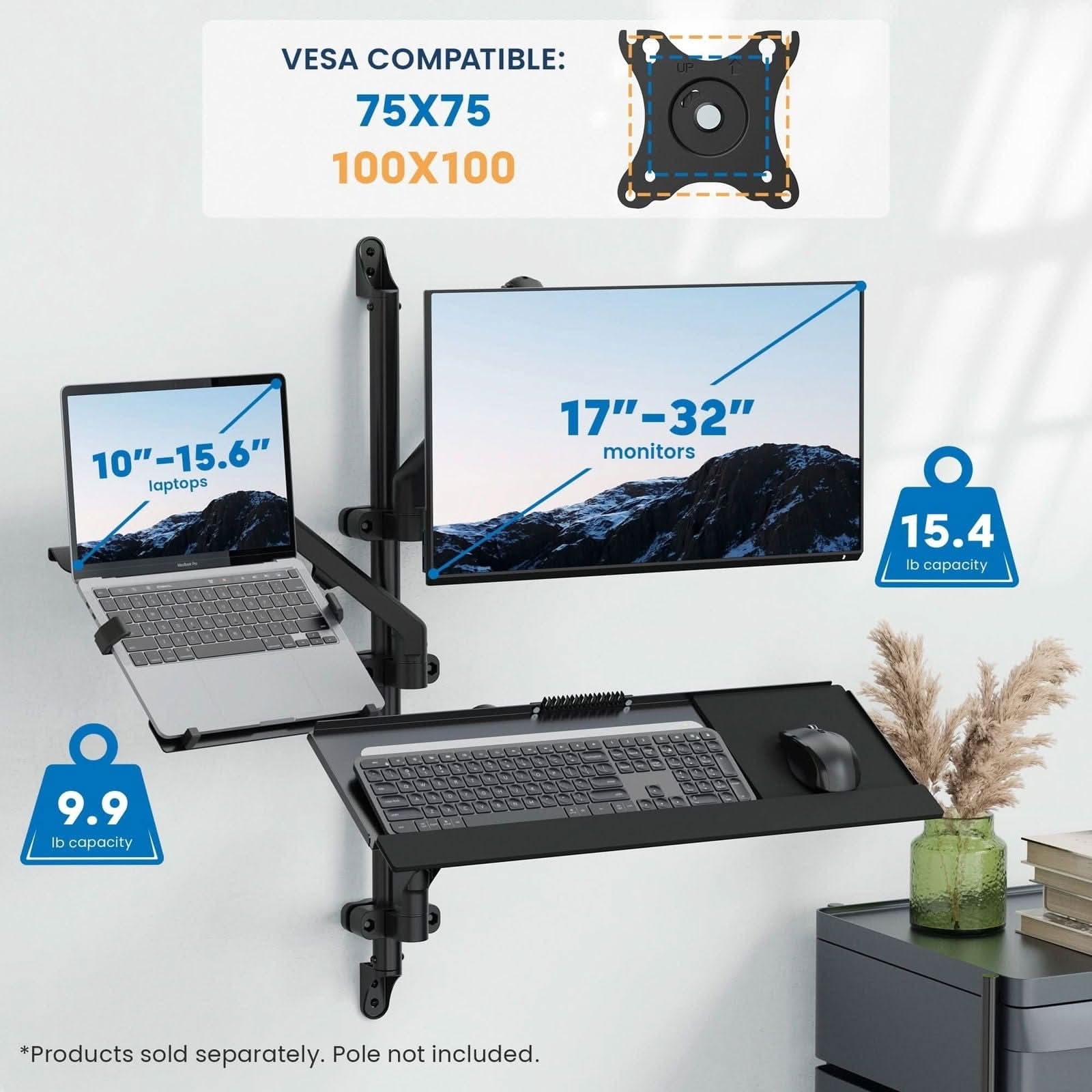
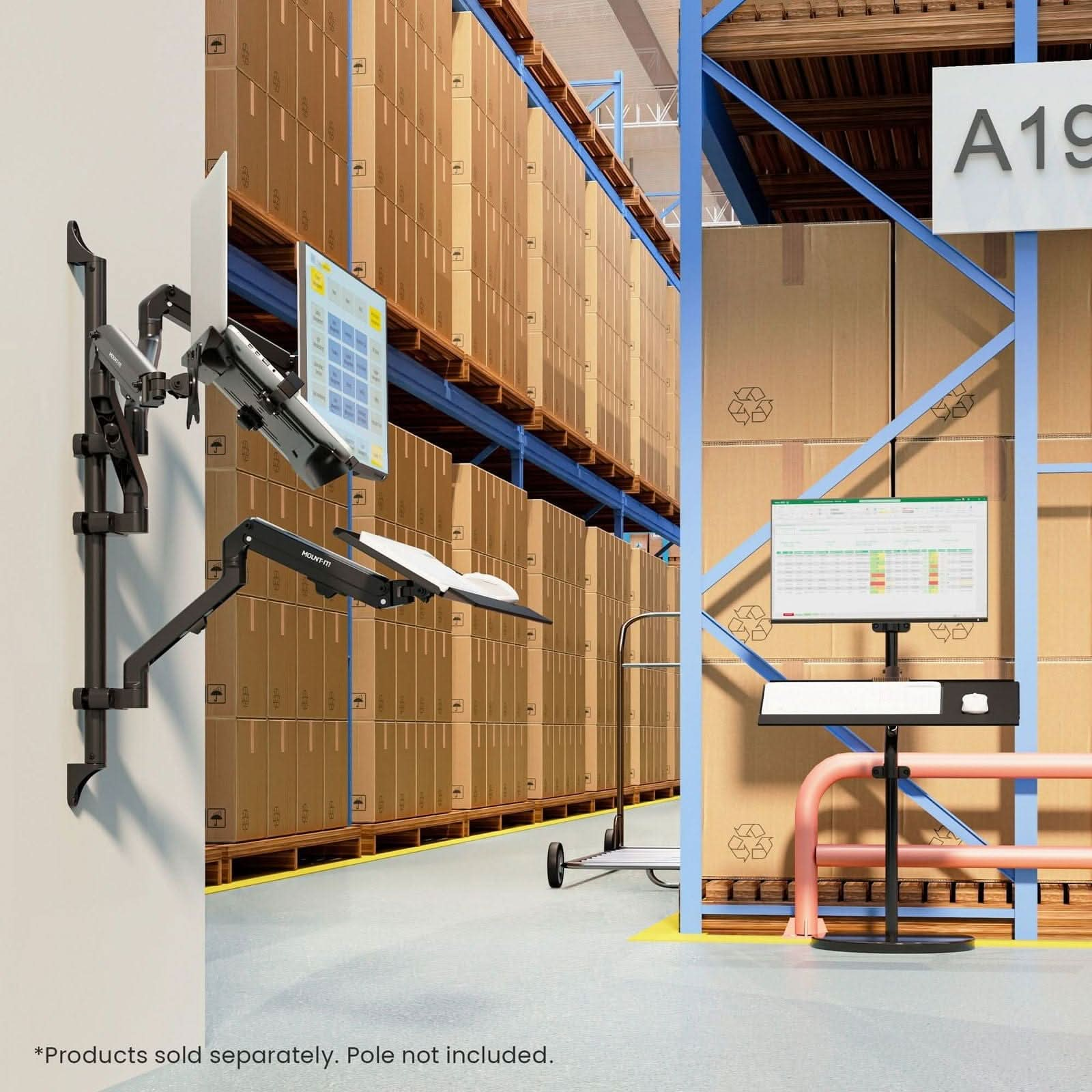
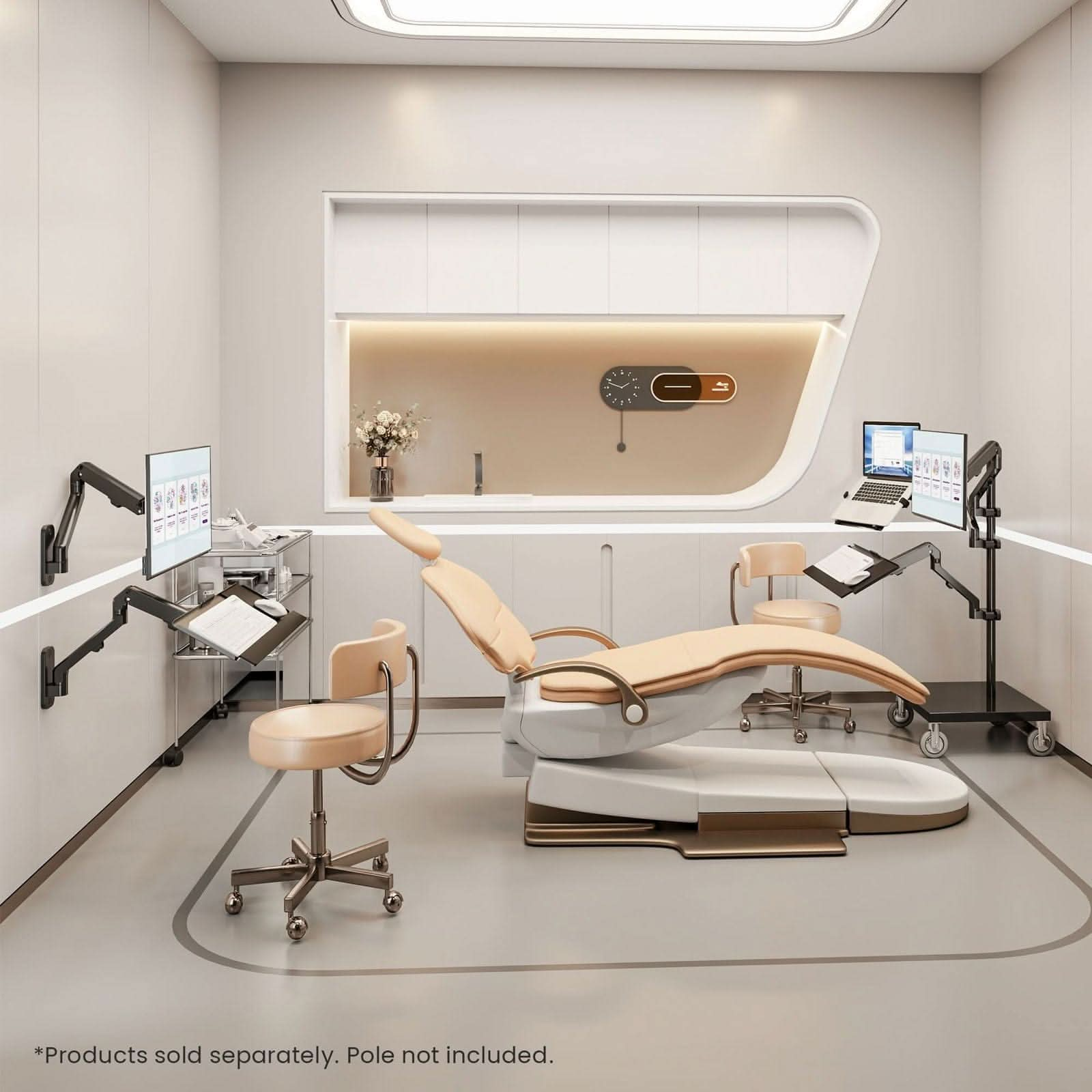
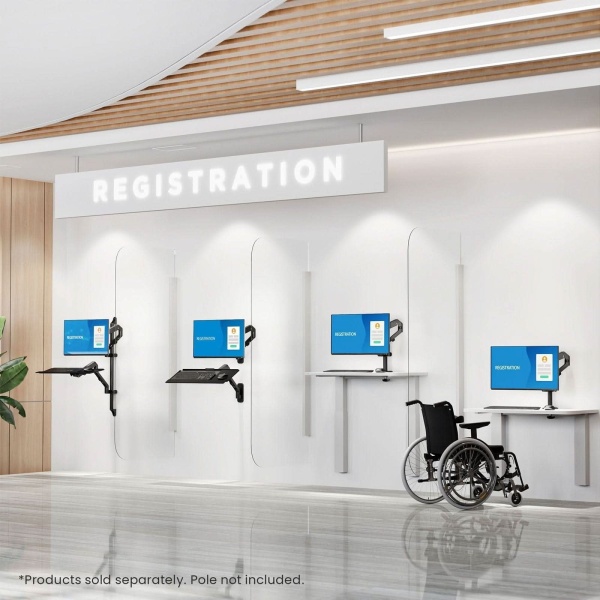
Create a floating workstation with this wall or pole mounted keyboard tray The sleek, spacious keyboard platform is supported by a spring-assisted arm that allows you to smoothly raise or lower your keyboard Choose between pole or wall mounting to suit your workspace setup – both installation options are included Adjust your keyboard to your preferred typing position with a 90° swivel, 21.8" max. extension and up to 85° tilt Integrated cable management keeps your cords organized along the arm Perfect addition to a monitor wall mount or monitor pole mount (sold separately) Overview Whether you are using your keyboard in a medical office, a distribution center or for gaming at home, this flexible keyboard arm is your perfect solution to create a sleek floating workstation. With its spring-assisted arm, you can effortlessly raise or lower your keyboard to your desired typing position, ensuring optimal comfort and productivity. With the flexibility to choose between mounting the arm to the wall or an existing pole, you can customize your workspace to fit your needs. The spacious keyboard platform offers a 90° swivel, 21.8" maximum extension, and up to 85° tilt, allowing you to adjust your keyboard to your preferred angle for comfortable typing or move it our of the way when not in use. The integrated cable management system keeps your cords organized along the arm, reducing clutter and maintaining a clean workspace. It is the perfect addition to a monitor wall mount or monitor pole mount (sold separately) to complete your ergonomic workstation. This versatile arm can also be used as a wall or pole mounted monitor arm by simply removing the keyboard tray. With all the necessary hardware and instructions included, setting up your new workstation is a hassle-free experience. Specifications Weight Capacity: 15.4 lbs (spring arm), 2.2 lbs (keyboard tray) Swivel Range: +/-45° Tilt : +85° max Extension: 3.5" – 21.8" VESA Compatibility: 75 x 75, 100 x 100 Installation: Wall or pole mounting (pole not included) Cable Management: Yes Support MI-1765KB User Manual Installation Video Data Sheet
Specifications
| Weight | 5602 g |
|---|---|
| Specifications | Source measurements: 15.4 lbs, 2.2 lbs |
A CLOSER LOOK
Product Gallery Detail
Counterbalance Keyboard Tray Arm for Wall and Pole Mounting
ORDER PLANNING
Shipping & Delivery
Order cutoff: 2:00 PM Pacific Time. Orders accepted at or after cutoff enter processing on the next business day.
Shipping Policy · 30-day return policy
Refund Processing Time: Within 7 Business Days
The processing period starts once we receive and review the returned item and approve the refund. We issue approved refunds to the original payment method. Your bank or payment provider may take additional time to post the credit to your account.
Product questions
Will a stand or mount fit my desk?
Check the desk thickness, attachment method, and available space. For monitor mounts, compare the listed screen weight and mounting pattern with your display.
How do I check fit or available options?
Use the specifications and any option selectors on this page. If a detail is missing, contact us with the product title or SKU before ordering.
What about shipping and returns?
Product support: [email protected]
Related products
-
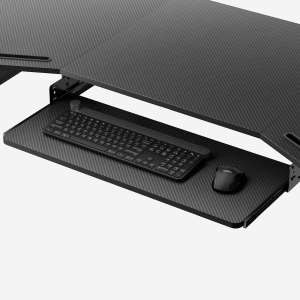
Pull-out Keyboard Tray
$59.00 Select options This product has multiple variants. The options may be chosen on the product page -
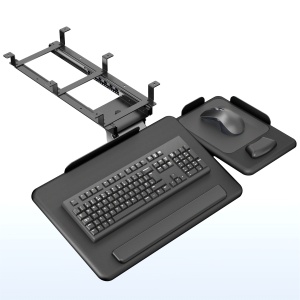
Under Desk Tilting Keyboard Tray with Independent Mouse Pad
$69.99 Add to cart -
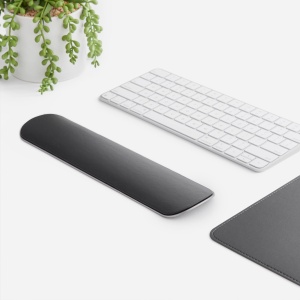
Wrist Rest
$30.00 Add to cart -
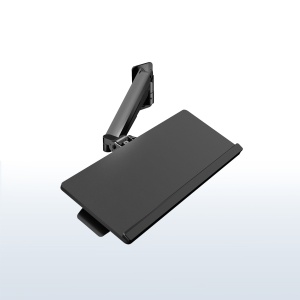
Pneumatic Wall Mounted Keyboard Tray
$69.99 Add to cart